AI Image Combiner

AI Image Combiner

Upload the subject you want to keep and a second image that shows where the idea could go. The AI image combiner turns that relationship into one new composition you can adjust, generate, and review.

Create with two images

Output quality
Advanced settings

Daily credits are always used first. Files expire after 24 hours.

Explore AI Creations

Inspiration examples, not your generated result.

Example showing portrait and fantasy references with their combined resultInspiration example

Portrait + Fantasy

See how two references can guide one fantasy character.

How to use it

How to combine two images with AI in three steps

The AI Image Combiner is simple: upload two clear references, explain the relationship between them, then review the newly generated composition before downloading it.

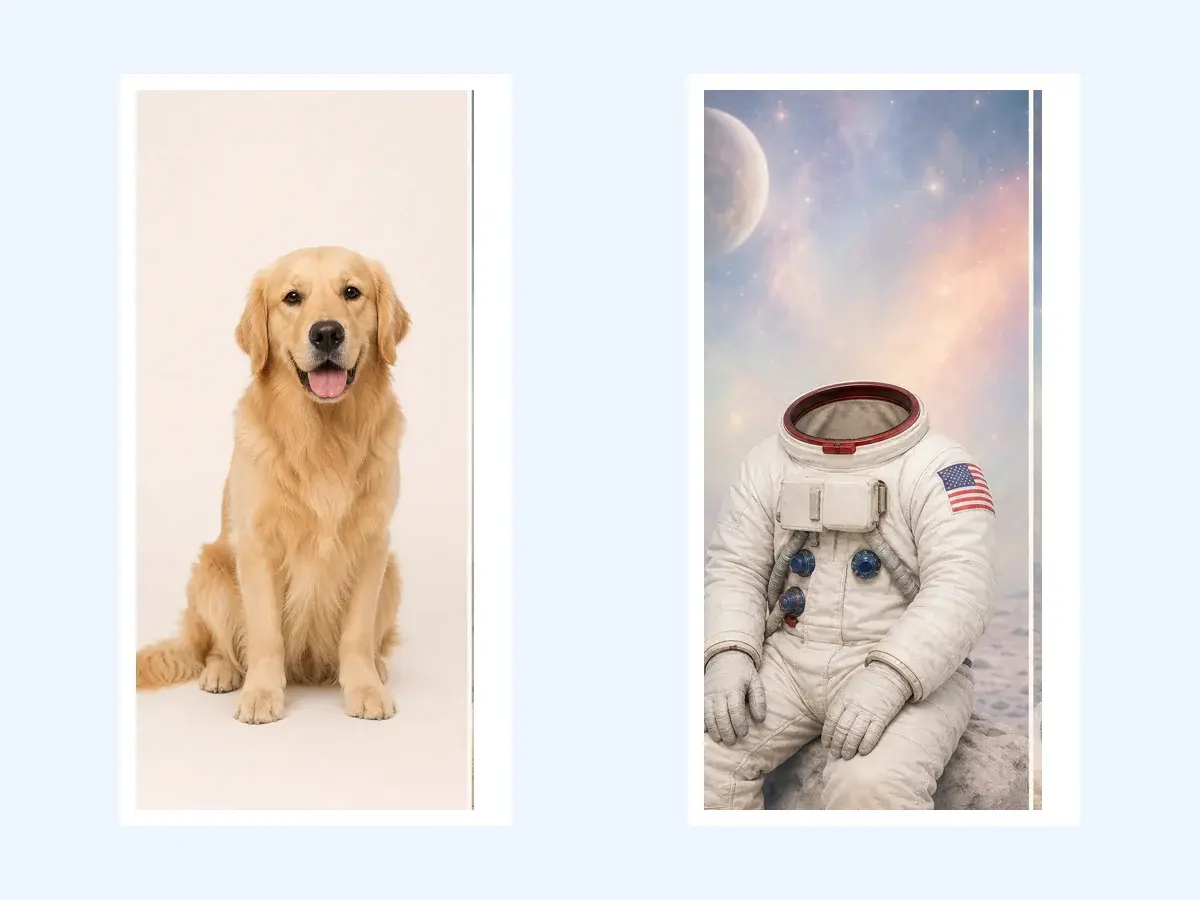
  1. Two source images ready to combine: a golden retriever and an astronaut scene
    STEP 01

    Upload two reference images

    Choose a clear person, pet, or product for Image 1. Add the setting, lighting, outfit, or visual direction you want to borrow as Image 2.

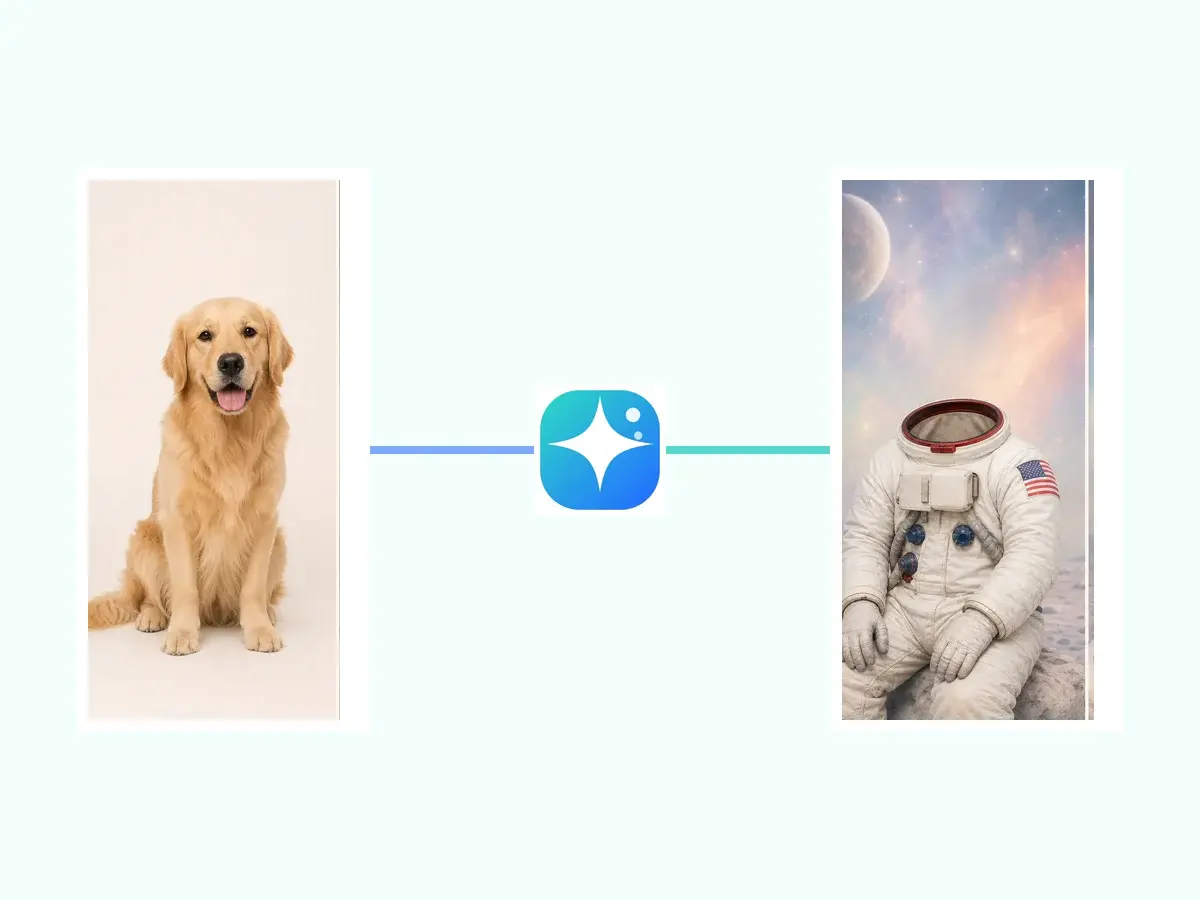
  2. Image combiner linking a dog photo with an astronaut scene reference
    STEP 02

    Tell AI what each image should do

    Write one focused prompt: say what must stay recognizable from the first image and what may change based on the second reference.

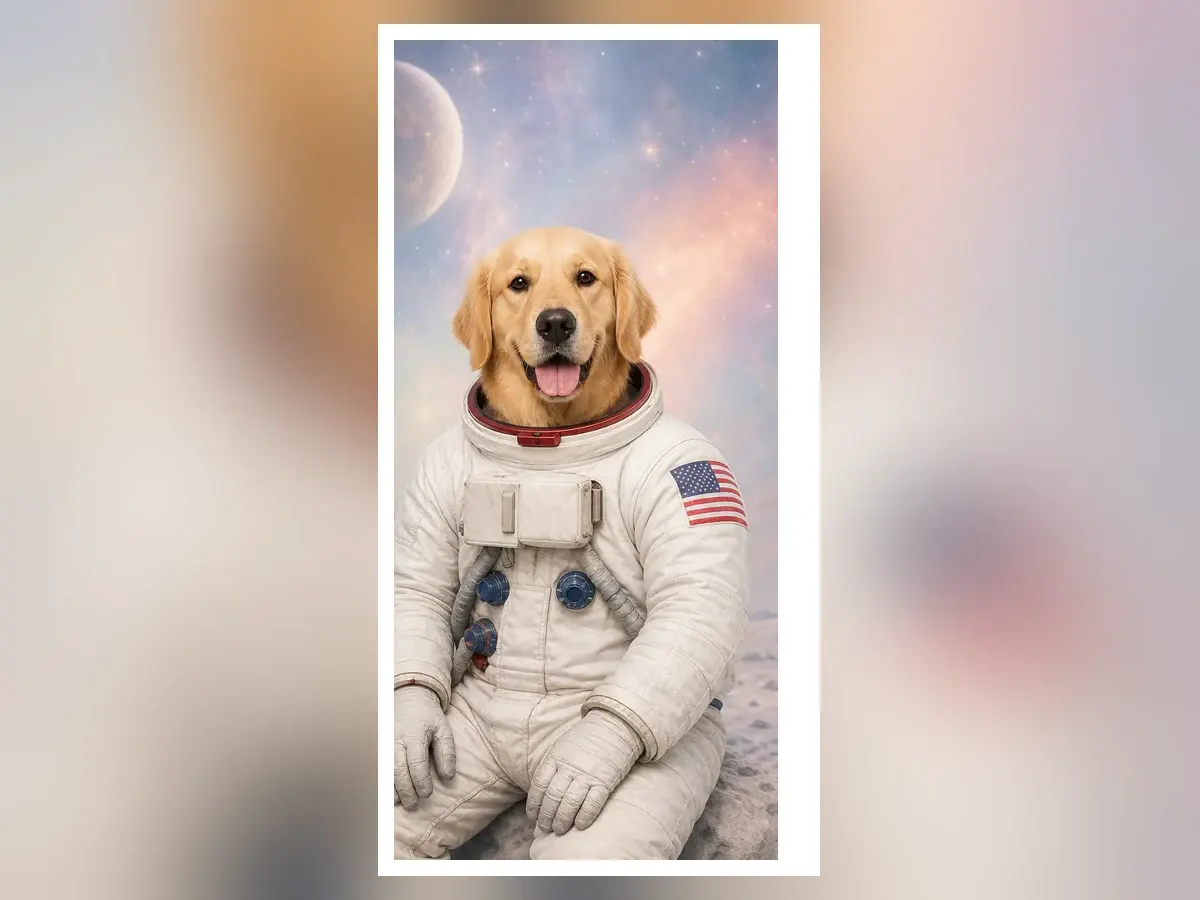
  3. Combined image of a golden retriever wearing an astronaut suit
    STEP 03

    Generate, review, and download

    Run the AI Image Combiner, then check faces, paws, hands, labels, shadows, and small details. Download only after the result looks right.

Need more detail? Read the complete how to combine two images with AI guide.

A clearer two-reference workflow

How an AI Image Combiner uses two references

An AI Image Combiner works best when each upload has one job. These principles cover model choice, changes, and review.

An AI Image Combiner gives each image one job

Image 1 should anchor the subject: a face, pet, product, or character. Image 2 should guide the setting, clothing, light, palette, texture, or composition. The AI Image Combiner works better when you state what must stay recognizable and what may change.
An AI Image Combiner creates instead of stacking pixels

A collage or traditional AI image merger preserves original pixels in layers. The AI Image Combiner interprets both references and generates new pixels for a unified scene, so pose, perspective, shadows, clothing, and details can change. Use this workflow for a new composition; use a manual editor when exact placement, masking, or untouched source pixels are required.

Choose an AI Image Combiner model for the actual job

GPT Image 2 suits high-fidelity image input and precise editing. Nano Banana 2 suits fast creative iteration, while Gemini 3 Pro Image handles complex instructions and professional high-resolution assets. The AI Image Combiner shows current availability, so select a model marked Available before starting.

Review every AI Image Combiner result before publishing

Generation can vary with the same two reference images and prompt. Check identity, anatomy, hands, paws, product geometry, labels, text, logos, perspective, shadows, and unwanted symbols. An AI Image Combiner can guide creative work, but cannot guarantee exact likeness, factual packaging, legal permission, or repeatable commercial results without human review.

Why use two references

Why choose our AI Image Combiner?

These six AI Image Combiner stories show what each reference contributes, which model is a starting point, why the choice fits, and who can turn the idea into a new image.

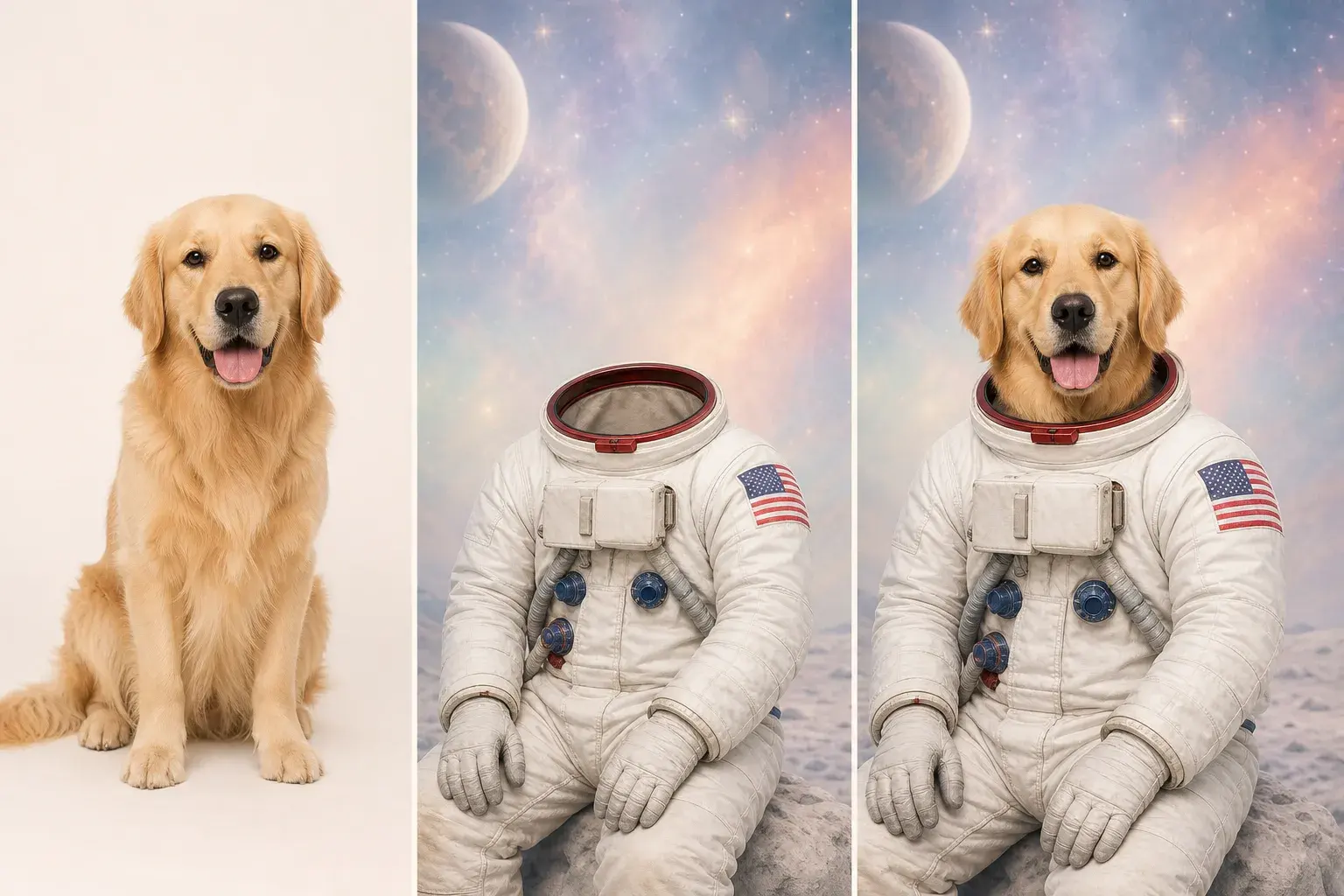
Project-owned golden retriever, astronaut reference, and generated pet portrait triptych

Pet AI Generator

AI Image Combiner for a Pet Astronaut Portrait

This AI Image Combiner starts with a clear pet photo and a spacesuit reference, then creates one cabin portrait instead of pasting a costume over the animal. GPT Image 2 is OpenAI's image generation and editing model, and its high-fidelity image input helps when the face, coat, ears, muzzle, and proportions should remain recognizable. Pet owners and gift creators can use the AI Image Combiner to combine two images with AI while giving each reference one clear role. Open the pet AI generator, describe the identity details that must stay, and guide the AI Image Combiner toward a scene that still feels like your pet.

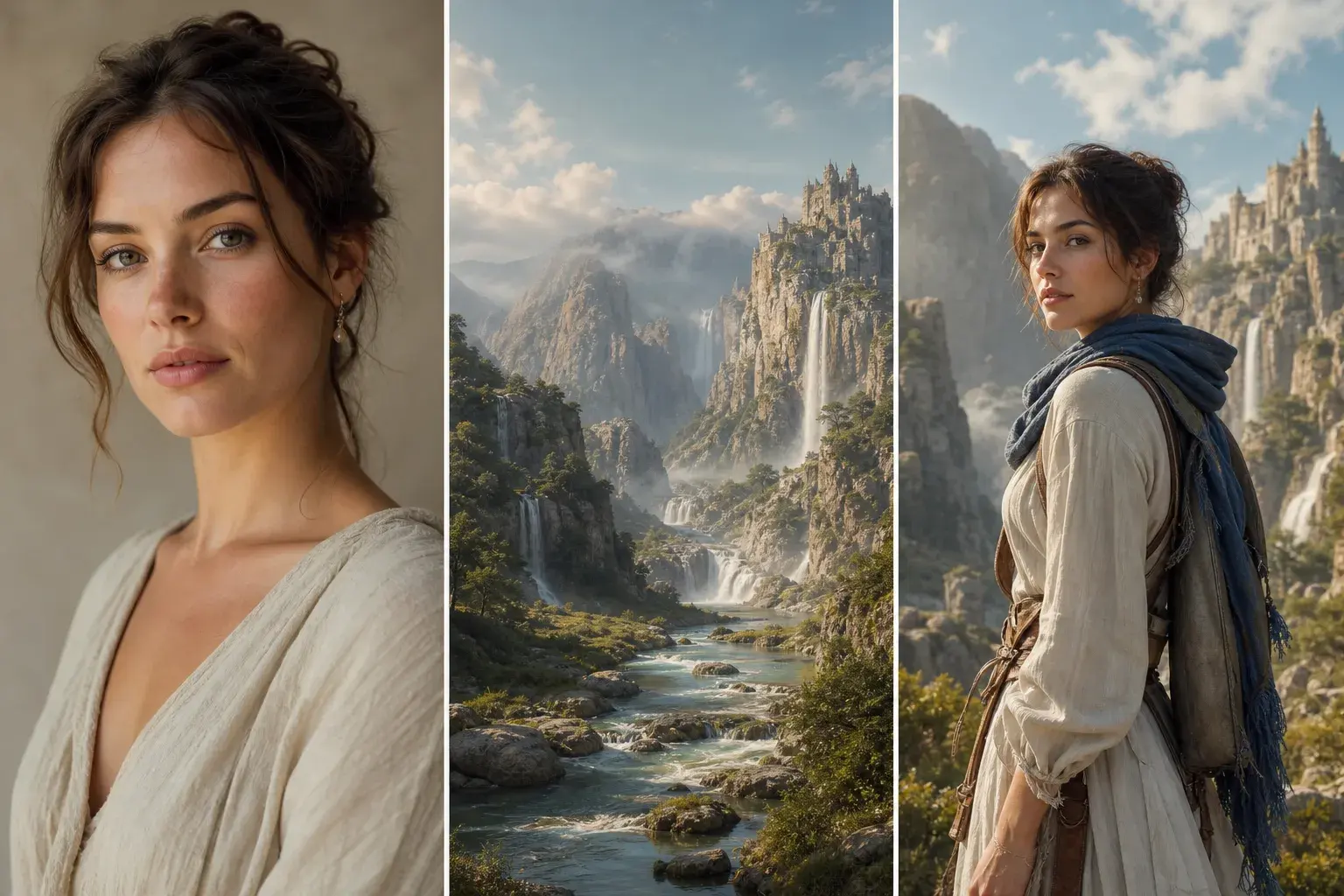
Project-owned adult portrait, fantasy environment, and generated avatar triptych

AI Avatar Generator

AI Image Combiner for a Fantasy Portrait

This AI Image Combiner keeps an adult portrait familiar while rebuilding the clothing, mountain light, atmosphere, and world. GPT Image 2 is a high-quality generation and editing model with high-fidelity image input, so it is useful when facial proportions, hair, expression, and age cues matter more than copying every background pixel. Profile creators, role-playing fans, and storytellers can use the AI Image Combiner as an AI avatar generator for a coherent new composition rather than a loose collage. Open the fantasy-avatar workflow, explain what Image 1 must preserve, and tell the AI Image Combiner which environment, palette, and wardrobe ideas to borrow from Image 2.

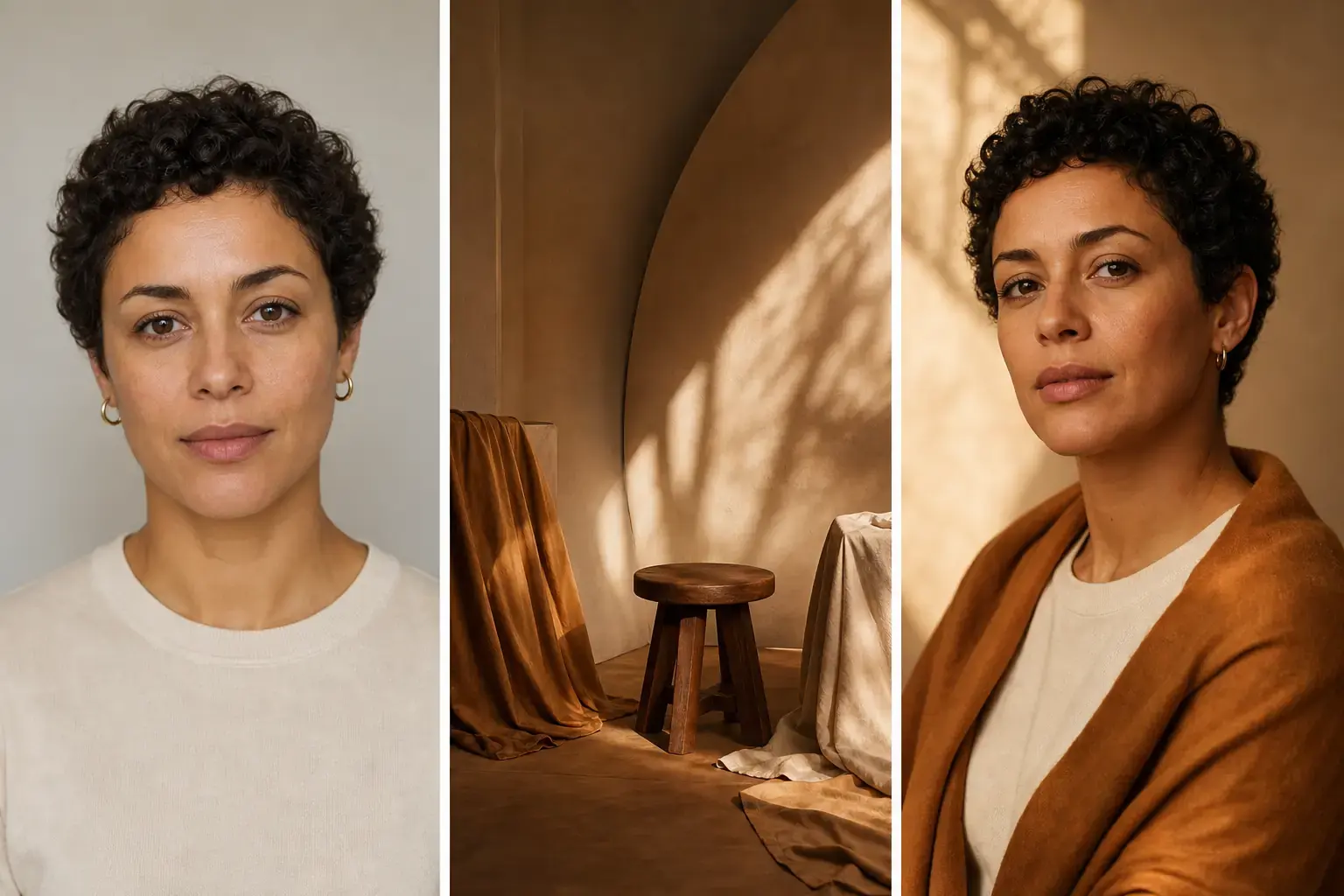
Project-owned adult portrait, warm editorial studio reference, and generated professional avatar triptych

AI Avatar Generator

AI Image Combiner for a Warm Studio Avatar

This AI Image Combiner uses one portrait for identity and a second reference for warm plaster, soft amber light, editorial framing, and a quieter professional mood. Nano Banana 2 is Google's fast image generation and editing model, built for fast creative work, so it suits testing several profile directions quickly. Freelancers, founders, and creators can use the AI Image Combiner to merge photos with AI without treating the lighting reference as a second person. Open the AI avatar generator, keep the face and hair instructions specific, and ask the AI Image Combiner for a polished but natural studio portrait without invented jewelry, text, or brand marks.

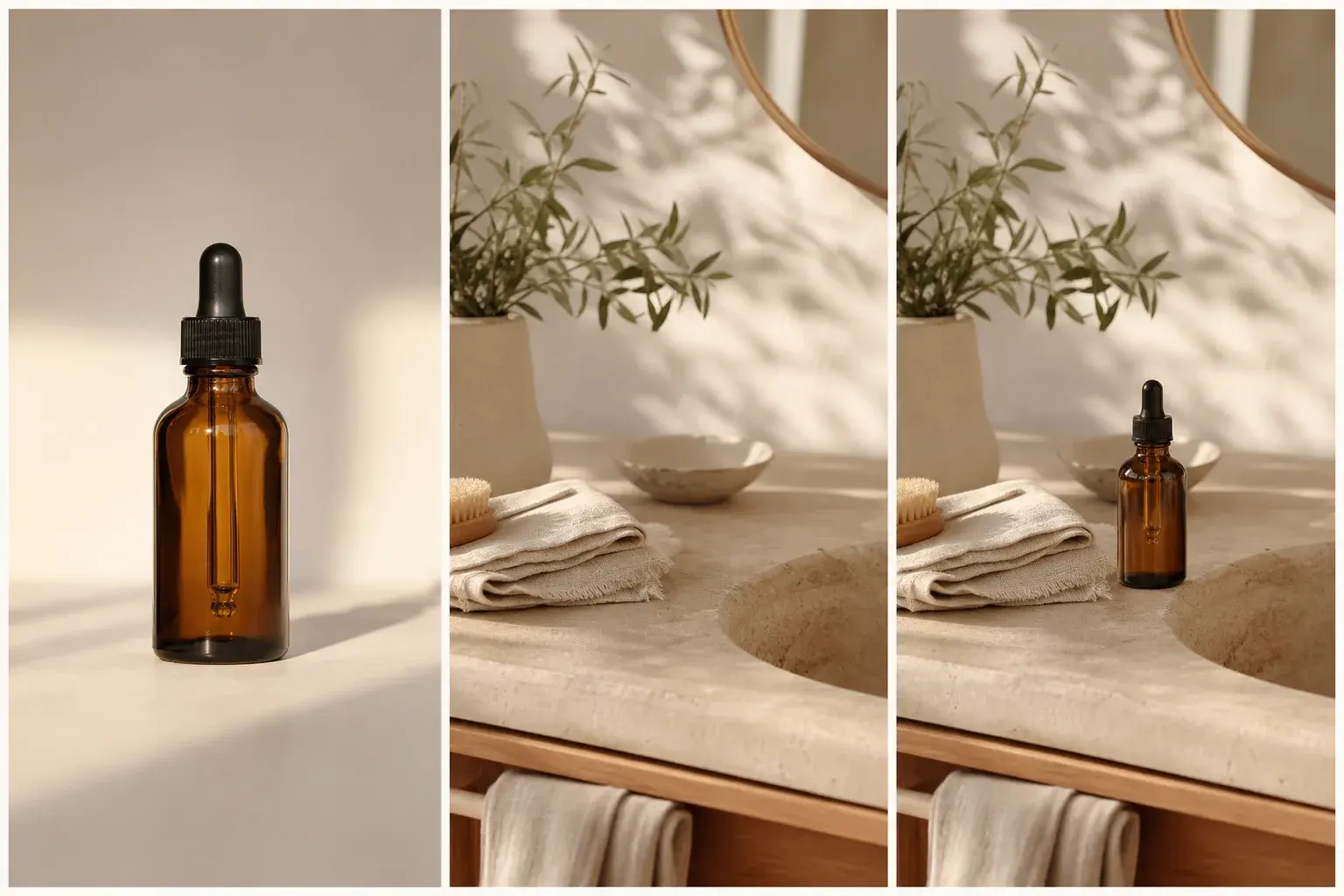
Project-owned amber bottle, calm interior reference, and generated lifestyle campaign triptych

AI Product Image Generator

AI Image Combiner for a Product Lifestyle Scene

This AI Image Combiner moves an amber bottle into a calm interior while rebuilding the surface, camera height, daylight, reflection, and contact shadow as one campaign scene. Gemini 3 Pro Image is Google's professional image-production model for complex instructions and high-resolution output, so it suits product geometry and surrounding art direction. Online sellers, marketers, and small brand teams can use the AI Image Combiner as an AI product image generator before paying for a full studio shoot. Open the product workflow, identify the silhouette and blank label that must remain accurate, and direct the AI Image Combiner to avoid invented wording, claims, or floating shadows.

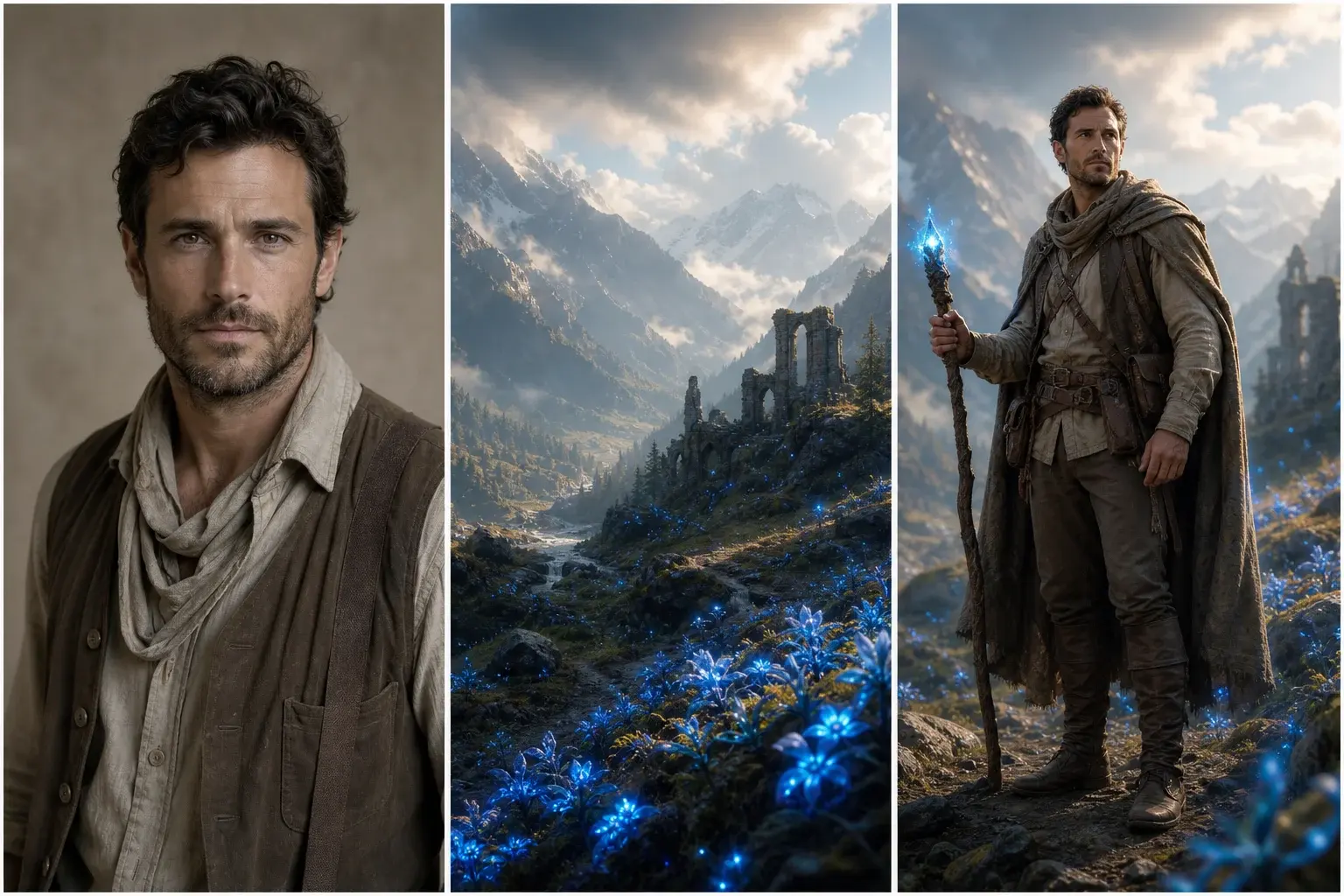
Project-owned adult explorer, enchanted valley, and generated fantasy ranger triptych

Fantasy Character Generator

AI Image Combiner for an Original Fantasy Ranger

This AI Image Combiner turns an adult explorer and a luminous valley reference into one ranger story, coordinating costume, terrain, weather, equipment, and environmental light. Gemini 3 Pro Image handles professional asset production and complex instructions, making it useful when several visual relationships must be resolved in one frame. Tabletop players, authors, and concept creators can use the AI Image Combiner as a fantasy character generator without borrowing a named franchise, character, studio, or artist. Open the fantasy workflow, describe practical gear and an unobstructed face, and guide the AI Image Combiner to check hands, straps, tools, symbols, and silhouette before the result is used.

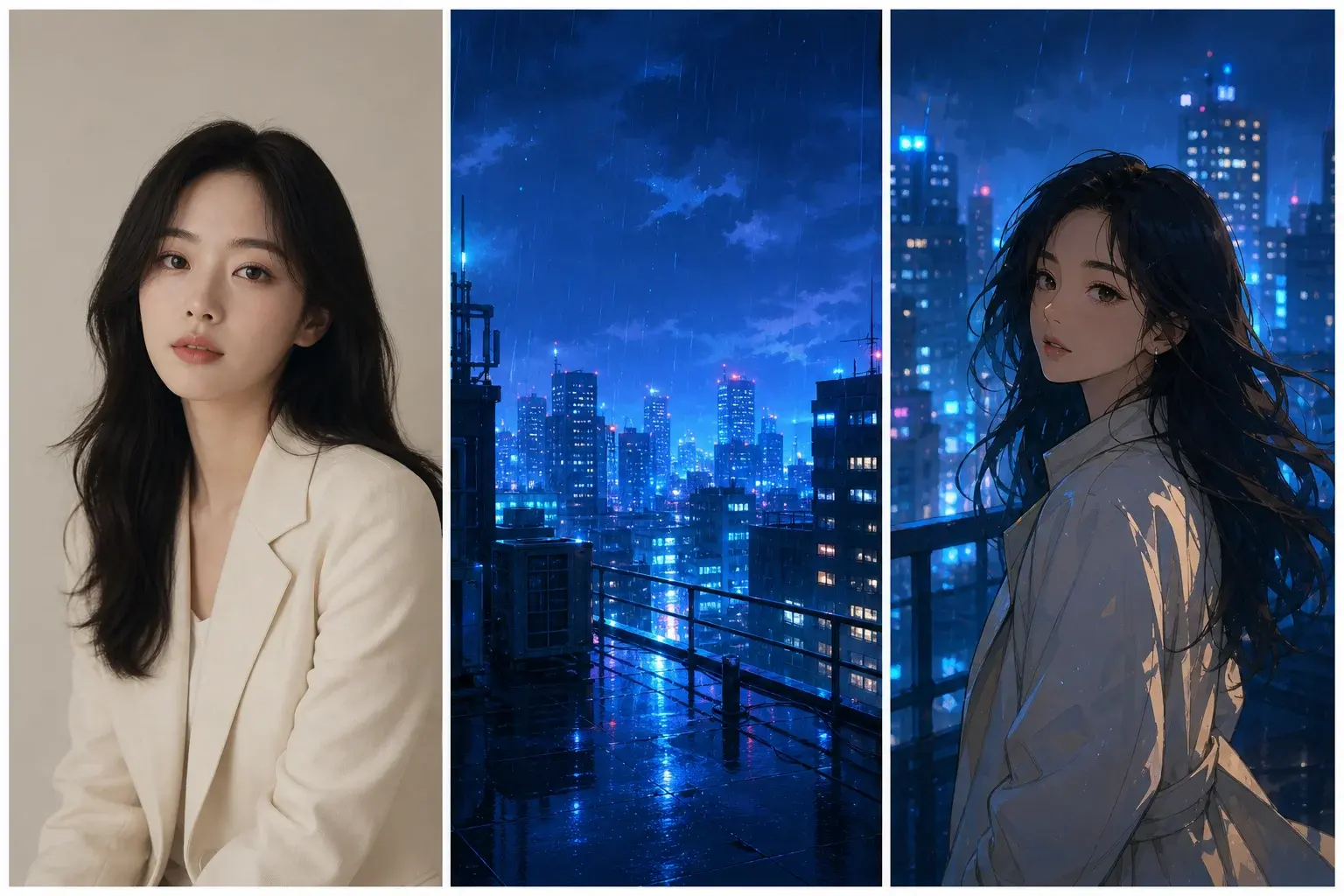
Project-owned adult portrait, rain-lit city, and original animation-inspired image triptych

AI Anime Image Generator

AI Image Combiner for an Anime City Story

This AI Image Combiner carries an adult portrait into a rain-lit city, borrowing cobalt color, windows, cinematic depth, weather, and framing instead of copying a named studio style. Nano Banana 2 is Google's fast, efficient image generation and editing model, making it practical for testing several illustrated directions without a long production cycle. Social creators, illustrators, and anime fans can use the AI Image Combiner as an AI anime image generator for an original visual moment. Open the anime workflow, state which facial and hair details must remain readable, and ask the AI Image Combiner to review hands, clothing seams, rain, and stray text-like marks.

These model names are recommendations for a new AI Image Combiner request and depend on what the live workspace marks Available. The displayed images are project-owned OpenAI demonstrations; their exact model version was not retained, so they are examples of a direction rather than cross-model benchmarks or repeatability promises.

Frequently asked questions

Everything you need to know about our AI Image Combiner

Clear answers about reference limits, supported files, model choice, privacy, commercial use, and what to review before publishing a result.

An AI image combiner uses two pictures as creative references for one newly generated composition. One image can anchor the subject while the other guides the environment, lighting, palette, clothing, or layout.